Some Important Features and Noteworthy Improvements for ReportServer RS6.0.0
Single Sign-On (SSO) via OIDC
We have upgraded our login system! We now officially support OIDC (OpenID Connect).
What is OIDC?
OIDC is a modern way to enable Single Sign-On (SSO). It allows you to use your existing
central
corporate account to log in securely, so you don't have to manage another separate password.
Our 3 Login Methods:
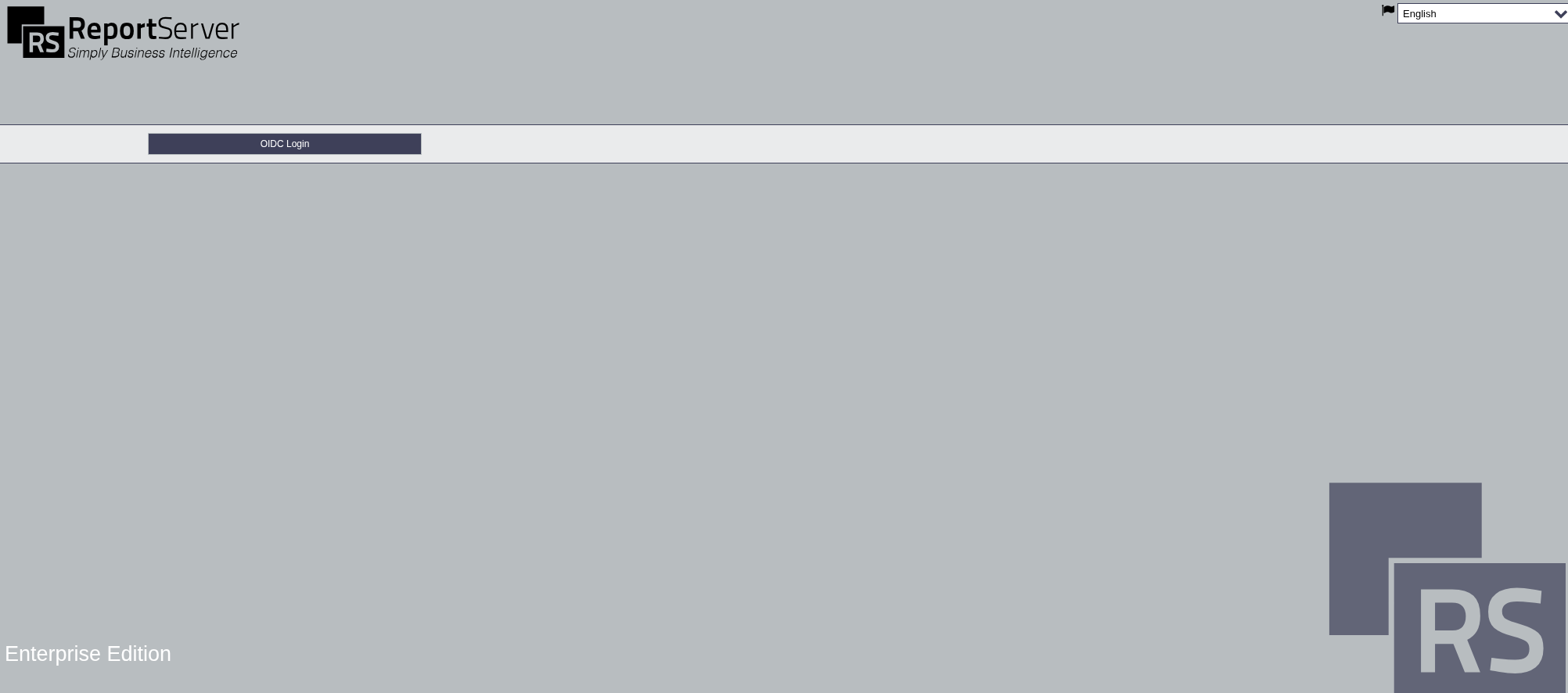
OIDC Only:
The newest and modernst solution is to Login via the new OIDC/SSO procedure.
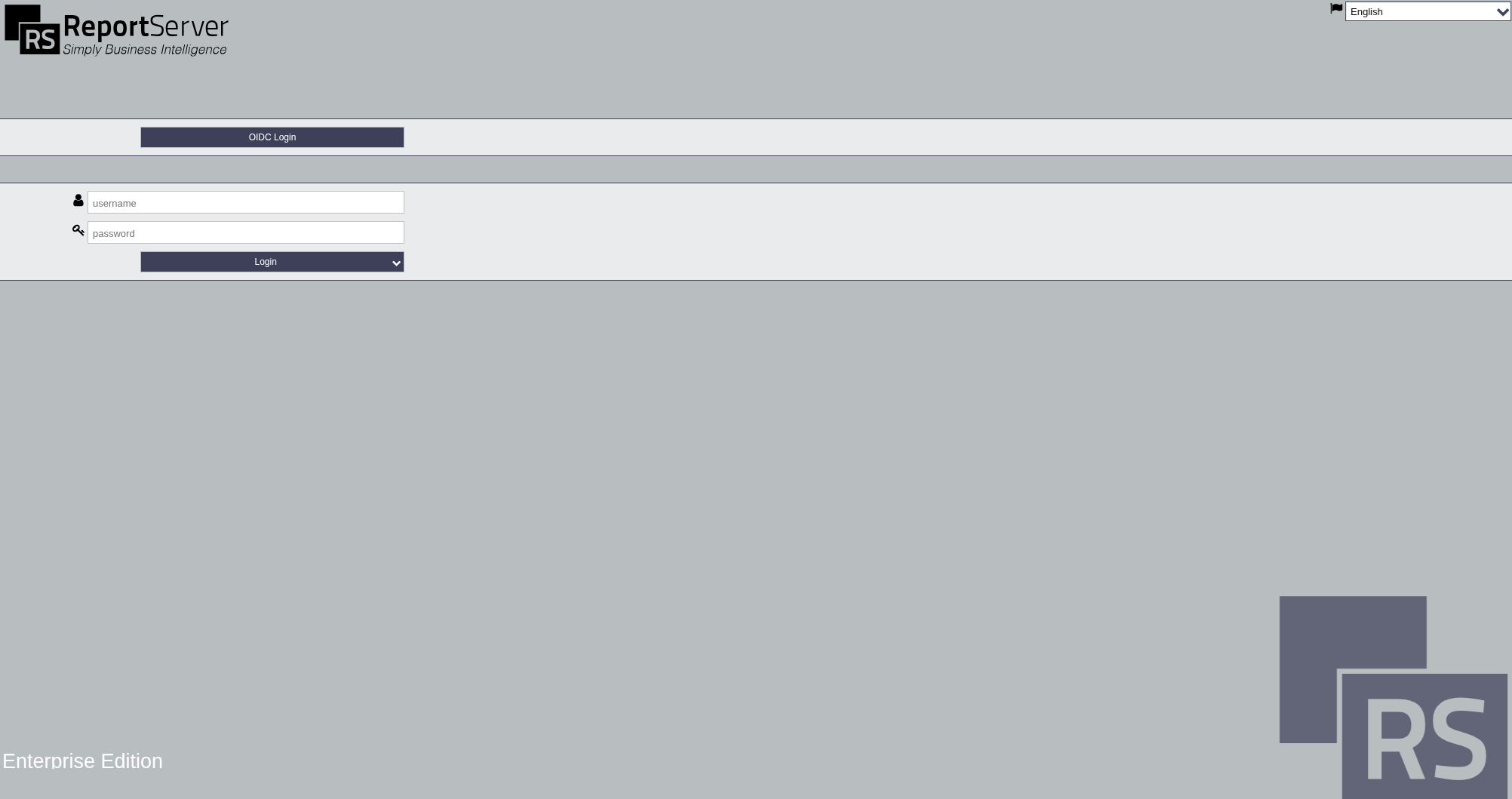
Both (Hybrid):
Allows you to choose between the traditional login or the new OIDC/SSO process.
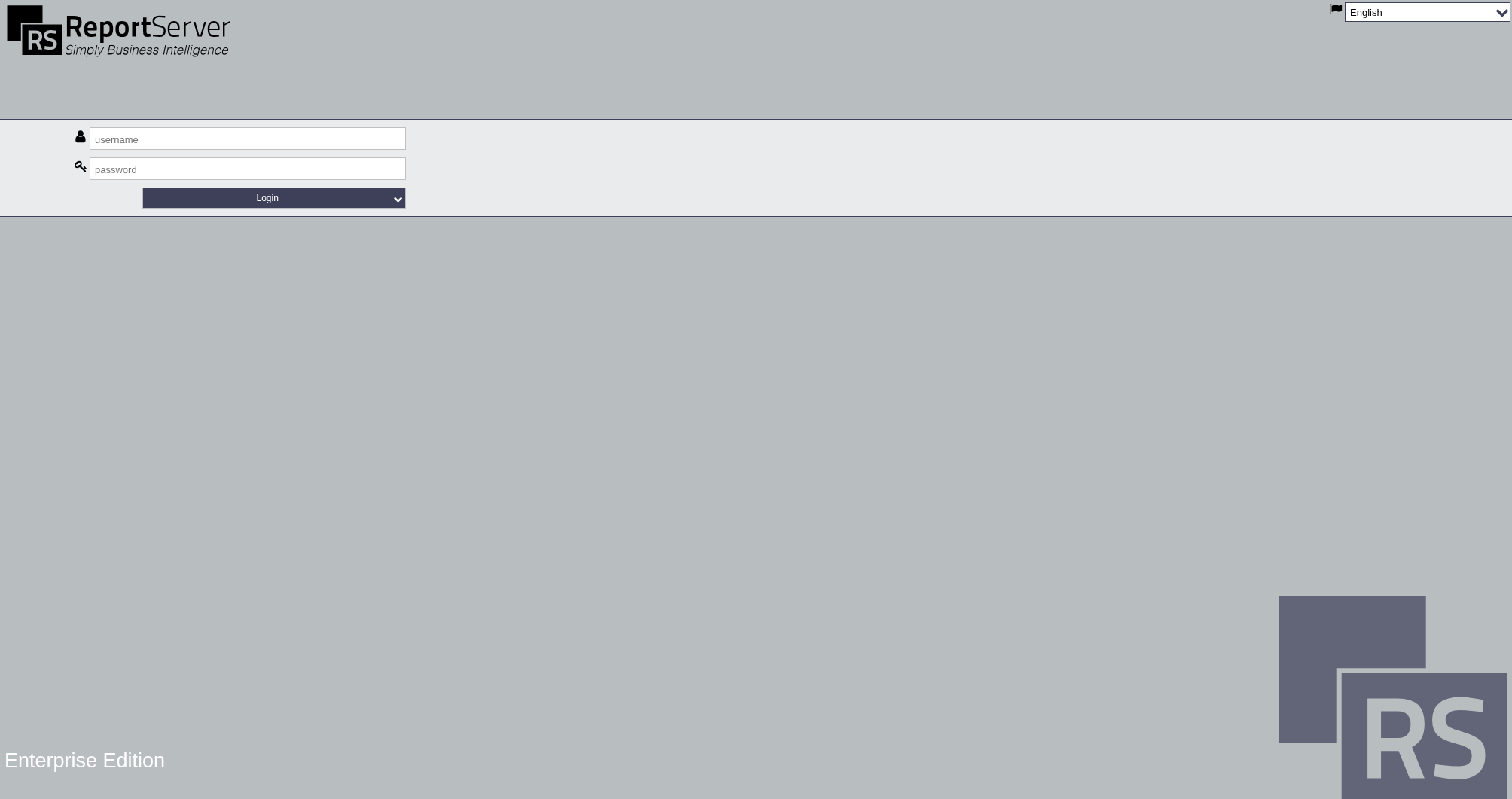
Legacy:
The traditional login using a standard username and password.
We are currently aware of some login issues specifically with Firefox
and
OIDC. Our team is already working on a fix.
Usability and UI Adjustments
In this release, multiple usability and UI refinements have been implemented to improve day-to-day
interaction
(more consistent buttons, clearer spacing, and a more streamlined layout). The scope of these changes is
limited
to the affected areas listed below.
Affected Areas
TeamSpace
Dashboard
Scheduler / Scheduler (Admin)
Administration
Users and Groups
Datasources
Transports / Transport Management
Remote Servers
Dashboard Library
File System
Reports (including executed reports)
Datasinks
License Management
System Console
Global Constants
Import
Permissions
TeamSpace (Admin)
Switch User
...
Implemented Changes
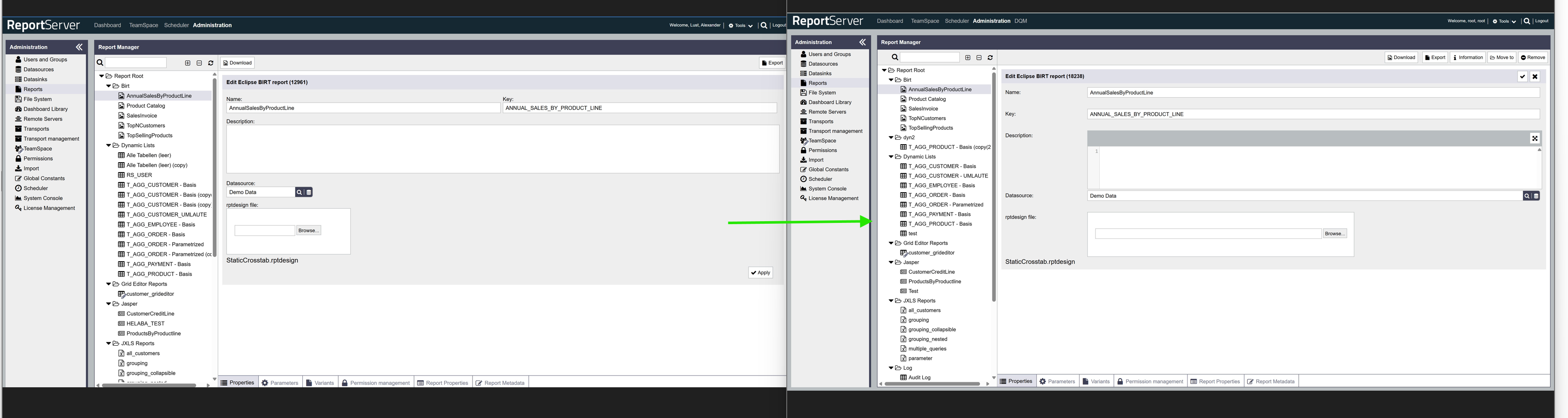
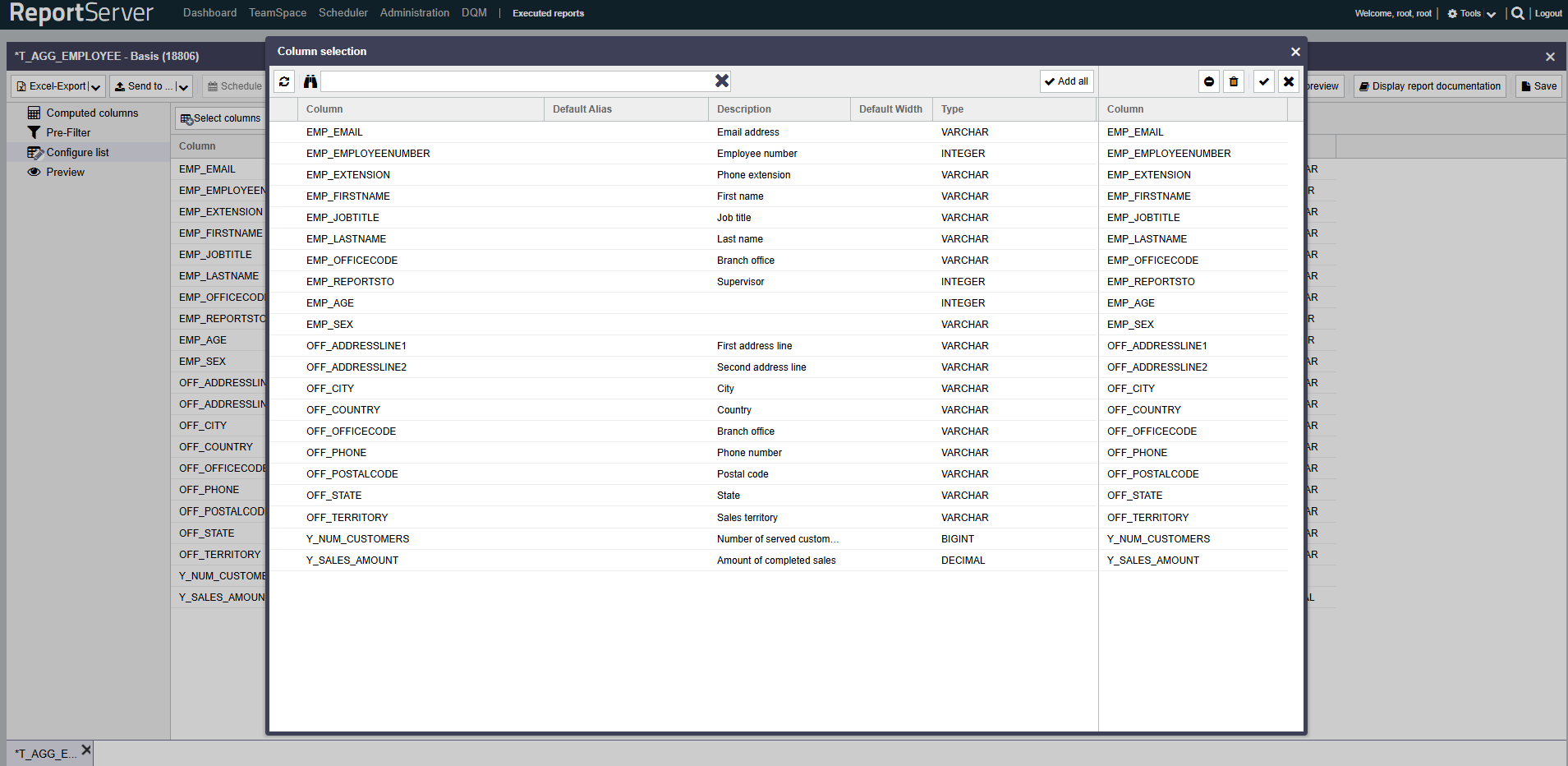
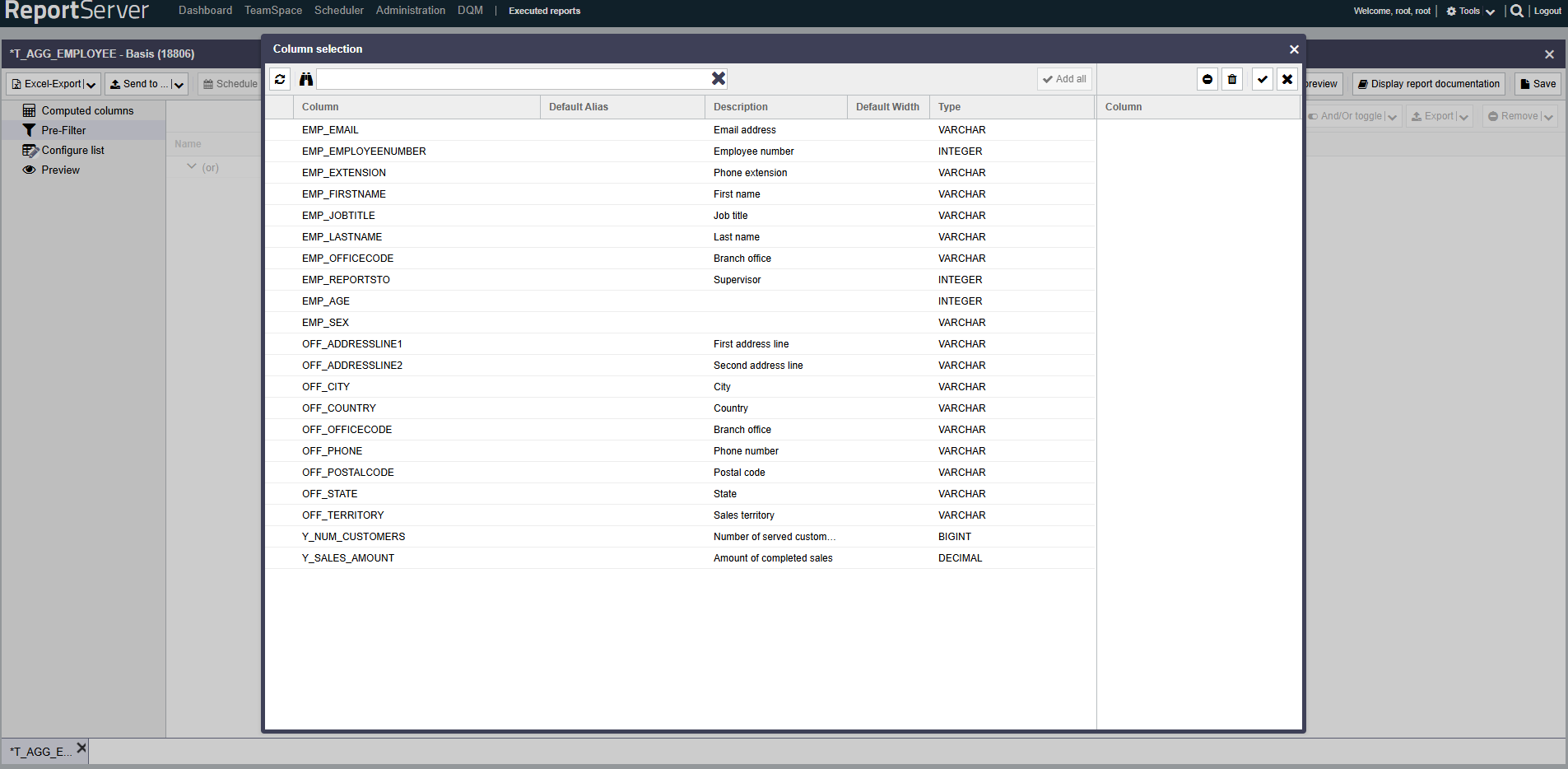
Forms: fields aligned vertically
Each form now has a more uniform vertical layout design. This
should greatly improve readability and editing.
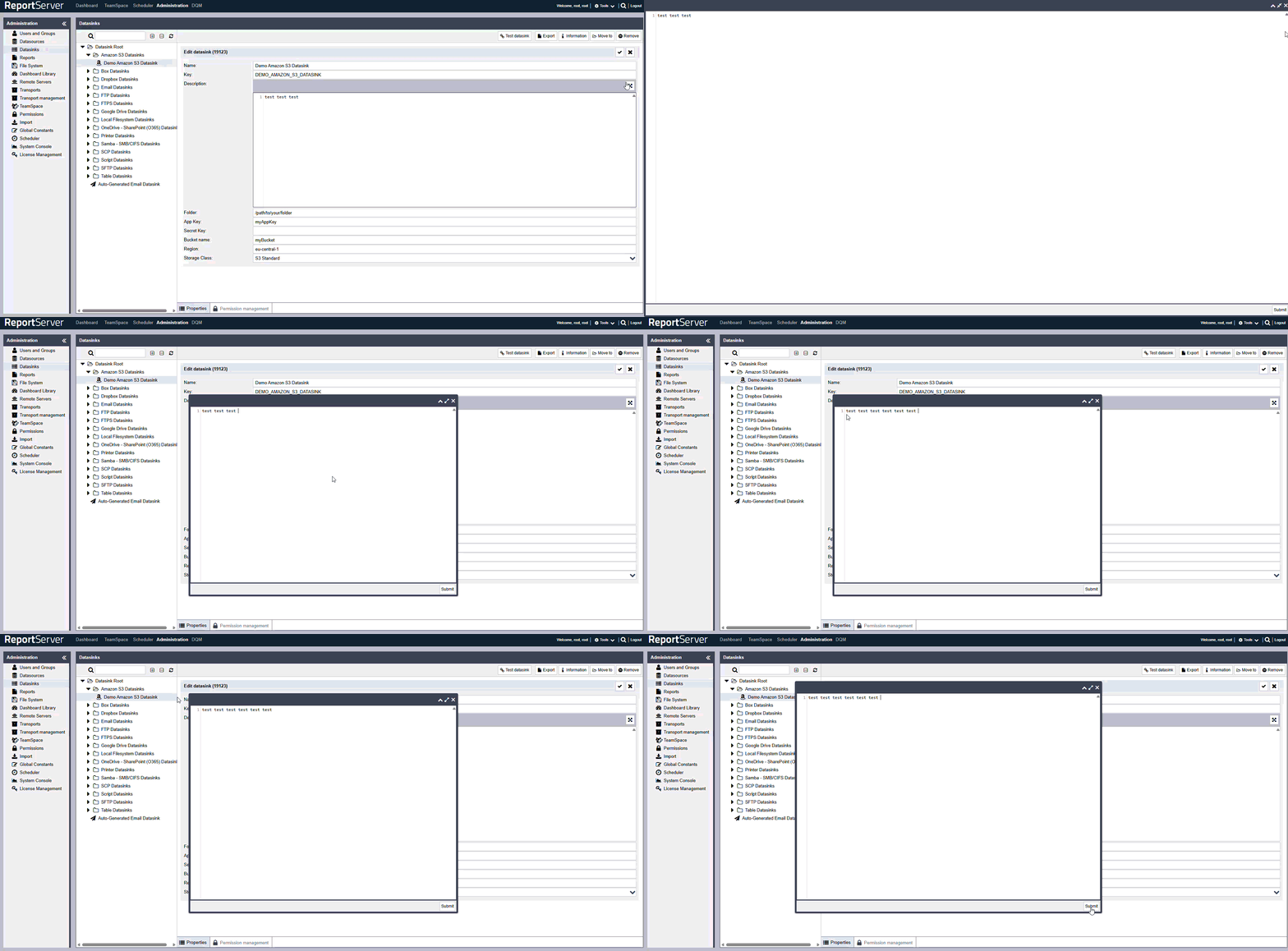
Improved - Description fields!
Description inputs were adjusted for better usability and readability (layout and editor handling).
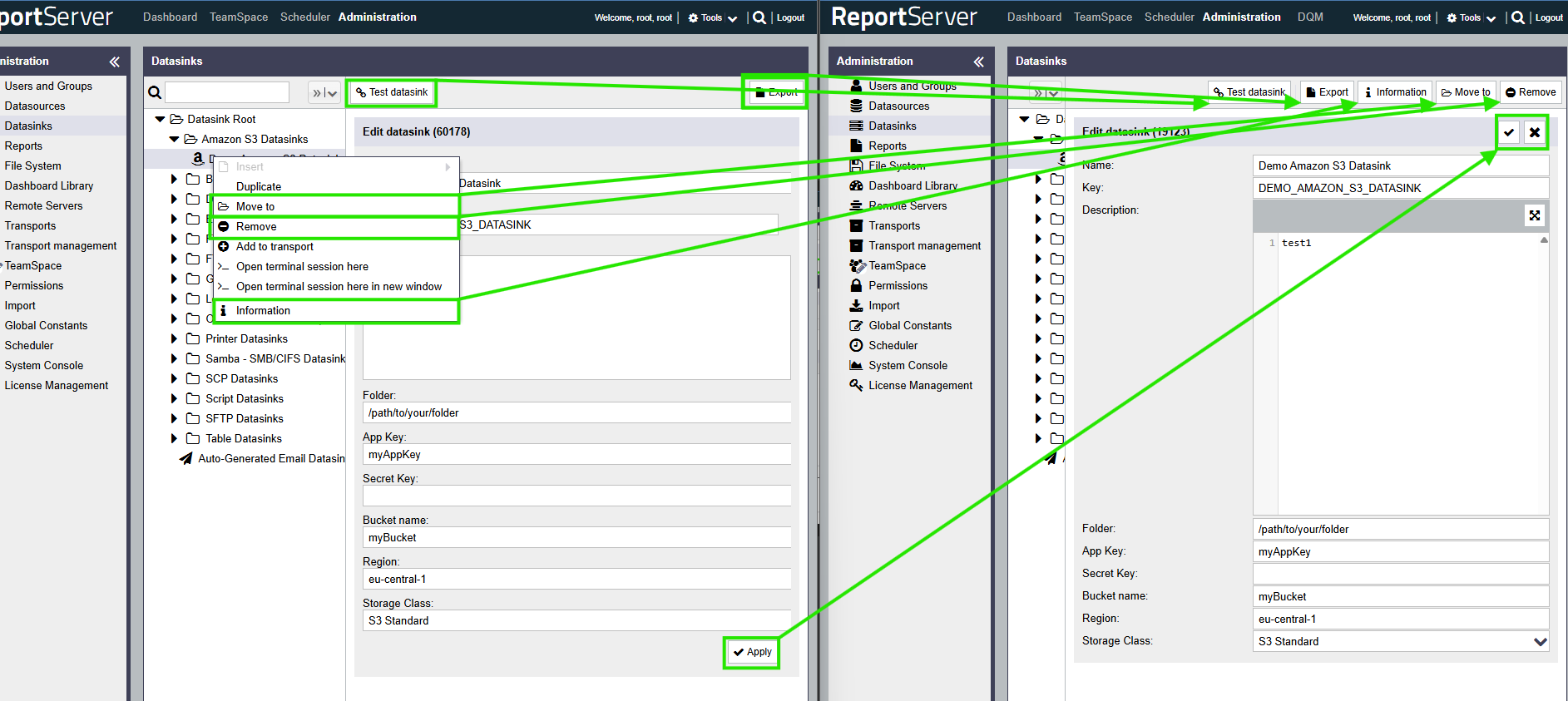
Consistent button group alignment
Button groups have now been changed from left-aligned to right-aligned to match the new Apply/Cancel
design.
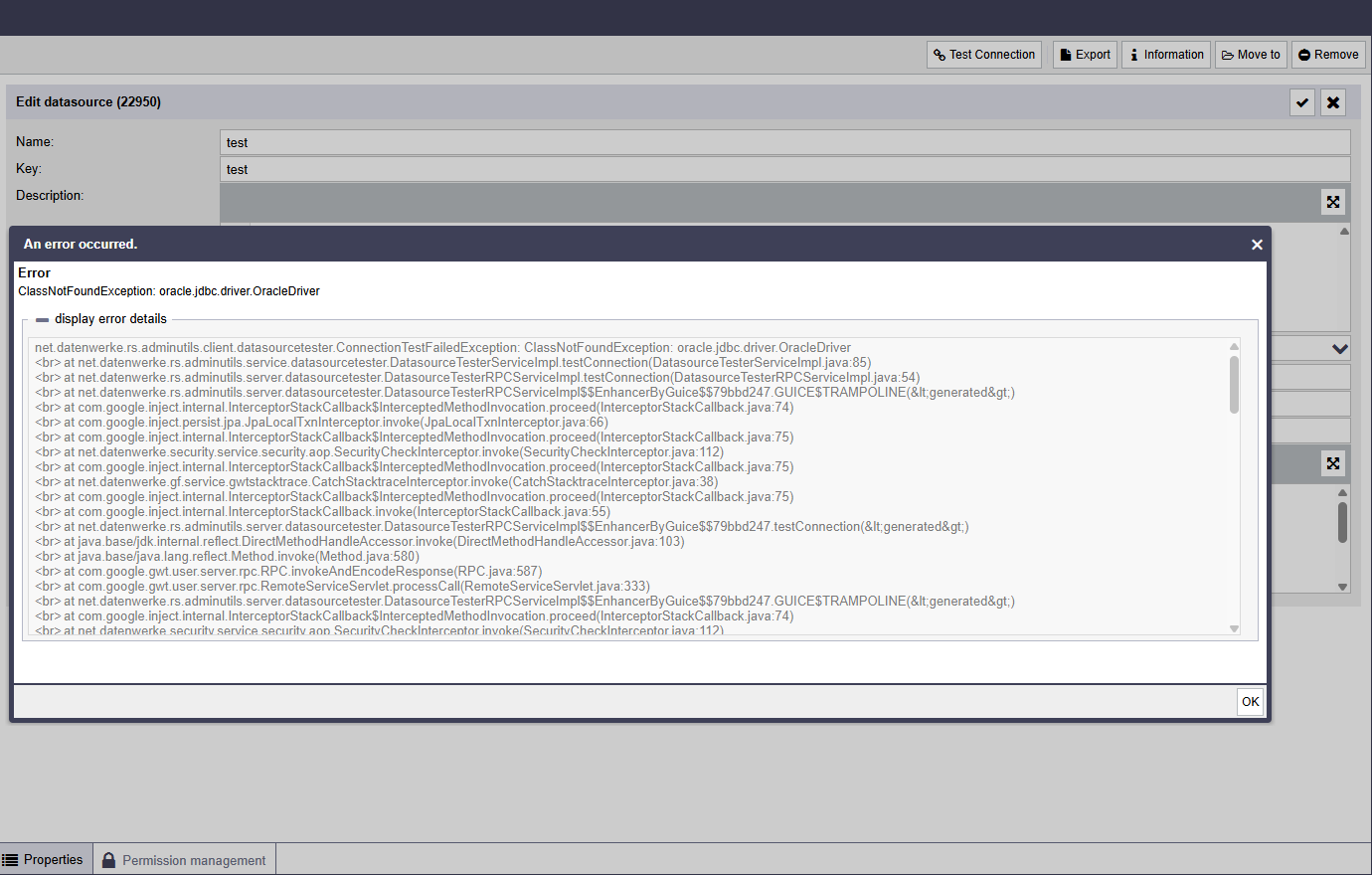
Improved display of large error messages
Large error outputs (e.g., stack traces) are easier to review and capture.
QoL (Quality of Life) features such as accidentally losing stack traces are now prevented. If an
error ever occurs, you
can simply copy it out and send it—without accidentally changing anything.
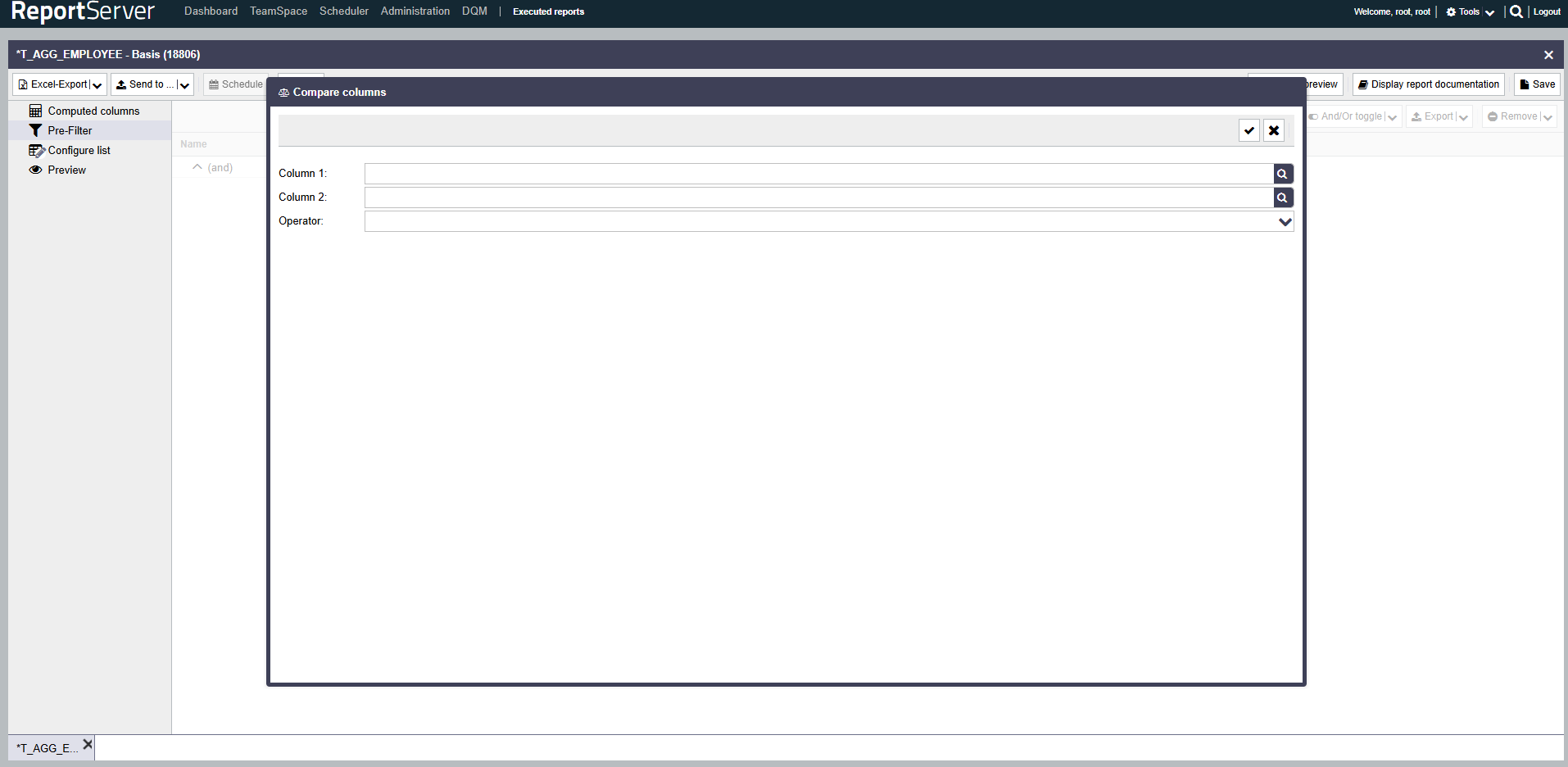
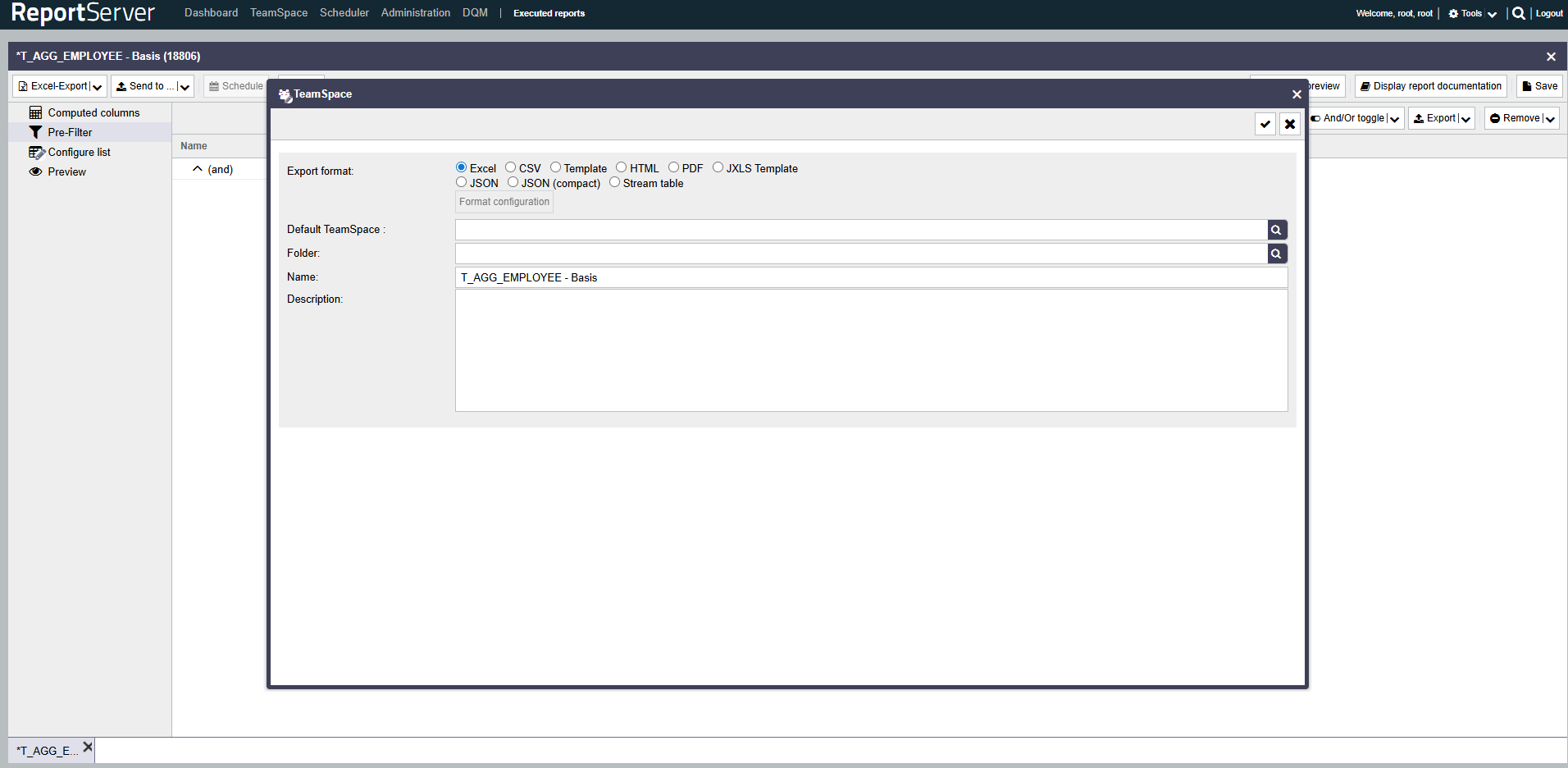
Apply/Cancel moved to the top right corner
You'll see that 'Apply (Save)' is now at the top of the forms, with Cancel directly to the
right. This means you won't have to scroll as much.
This makes it look and feel more consistent, and makes it easier for users to get things done
quickly.
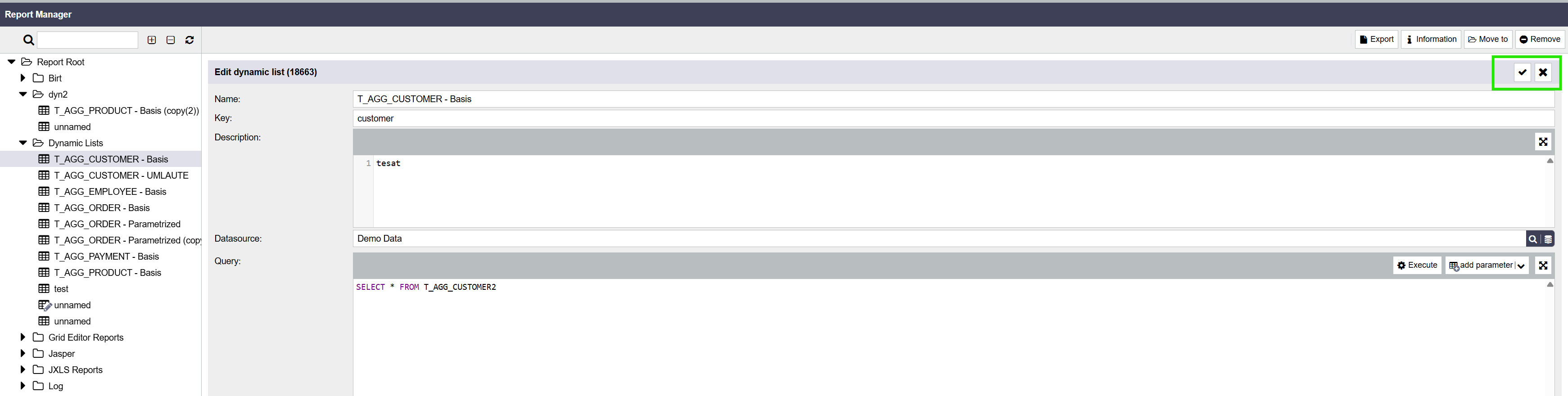
Note: The Cancel button behavior depends on the
context:
Dialogs: Cancel closes the dialog and aborts the current action.
Non-dialog views (e.g., Dynamic Lists): Cancel reverts/discards unsaved
changes in
the current view.
We are continuing to standardize this behavior across the application. Please note that Apply/Cancel
is
not yet available in all areas.
In addition, the Cancel button label may be renamed in some places (e.g., to
Revert)
to better reflect its behavior and avoid confusion.
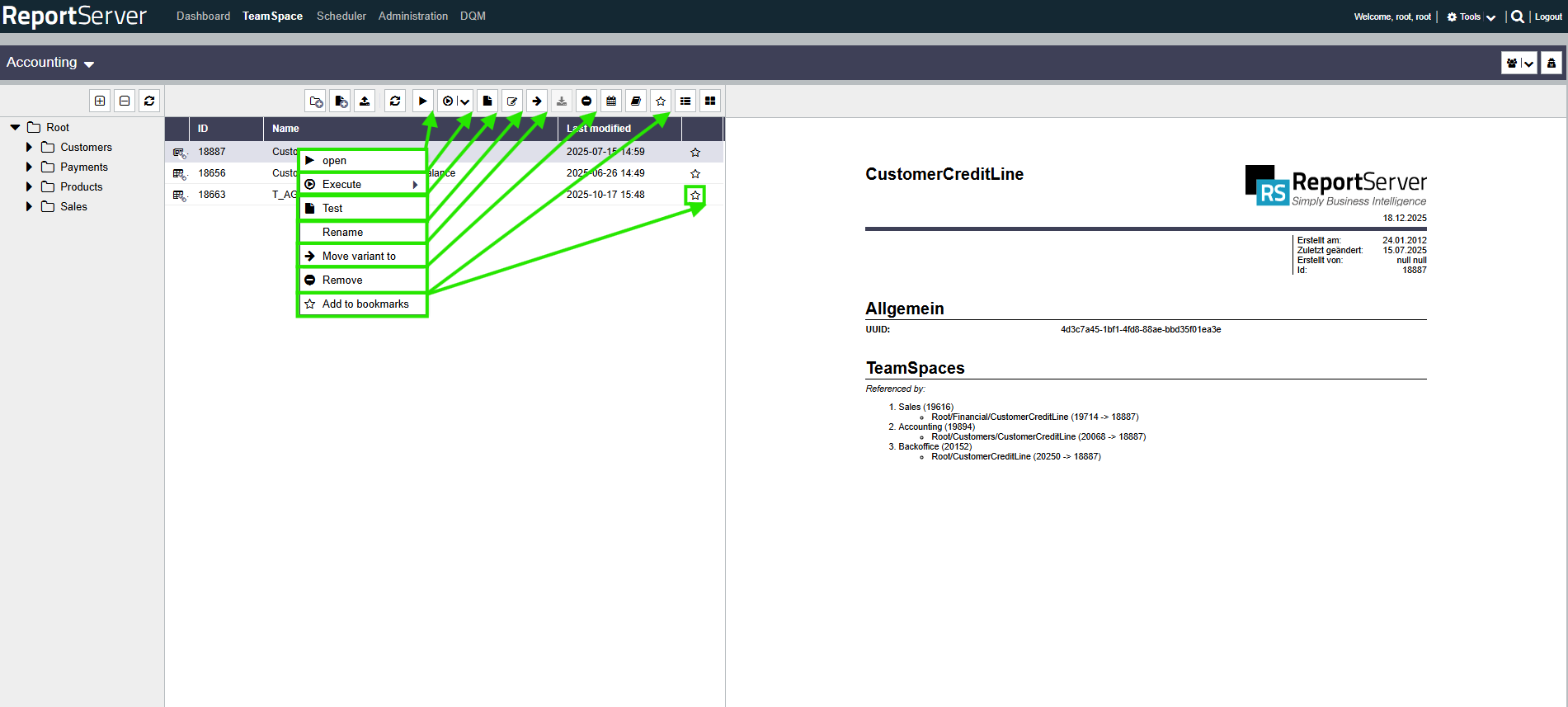
QoL Feature for TeamSpace - Buttons, Layout and more!
The TeamSpace button design has been updated to give it a more modern look, and to meet the needs of
today's
users. You can also see frequently used menu actions directly in the TeamSpace toolbar.
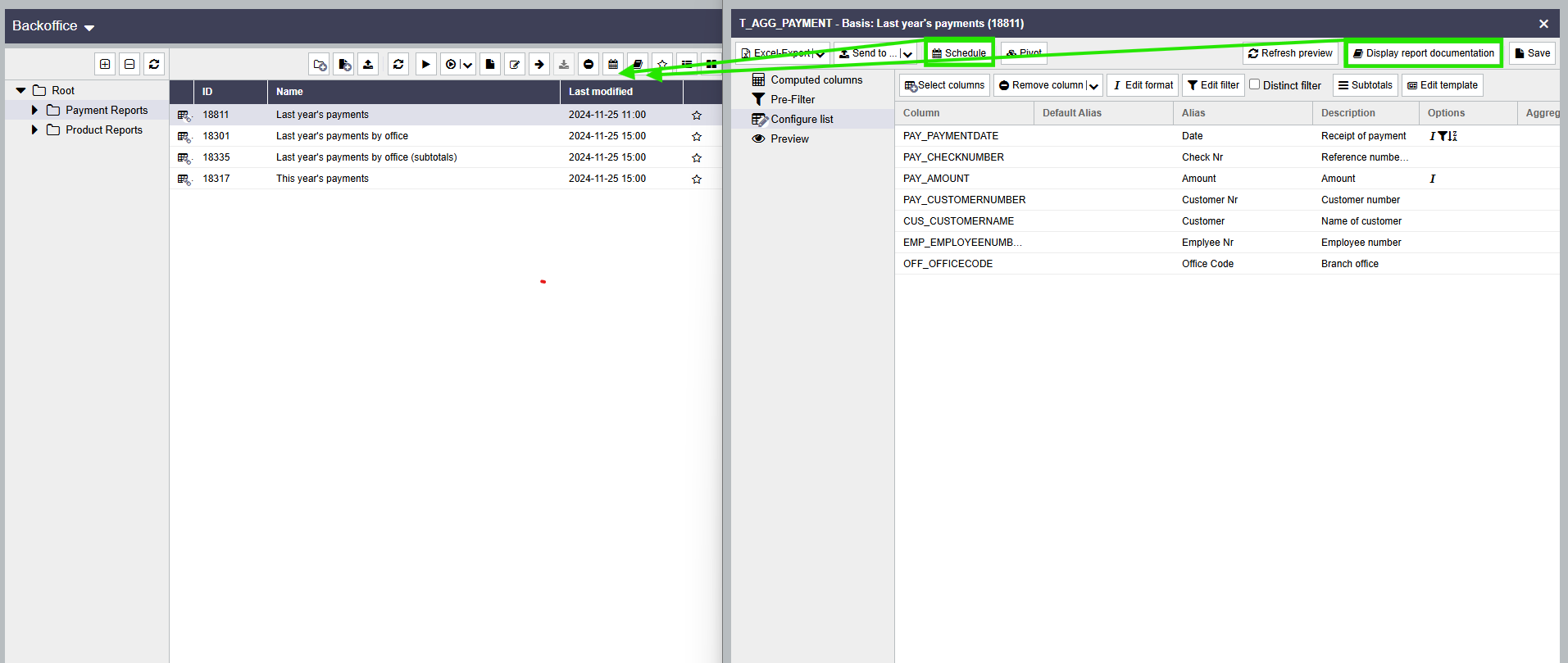
Executed reports: view revamped
The executed reports view was comprehensively reworked, including improved structure, usability, and
filtering.
this also applies to relevant actions in the execution view.
Additional UI stability fixes
Several UI issues were fixed as part of the new UI work:
Single-instance dialogs: Many windows can only be opened once and can be
reopened
only after being closed.
Overlapping fixes: Dialog/overlay stacking behaves more reliably and no longer
layers unexpectedly.
Background fixes: Backdrop/overlay rendering was corrected to avoid visual
artifacts and inconsistent dimming.
(and much more)
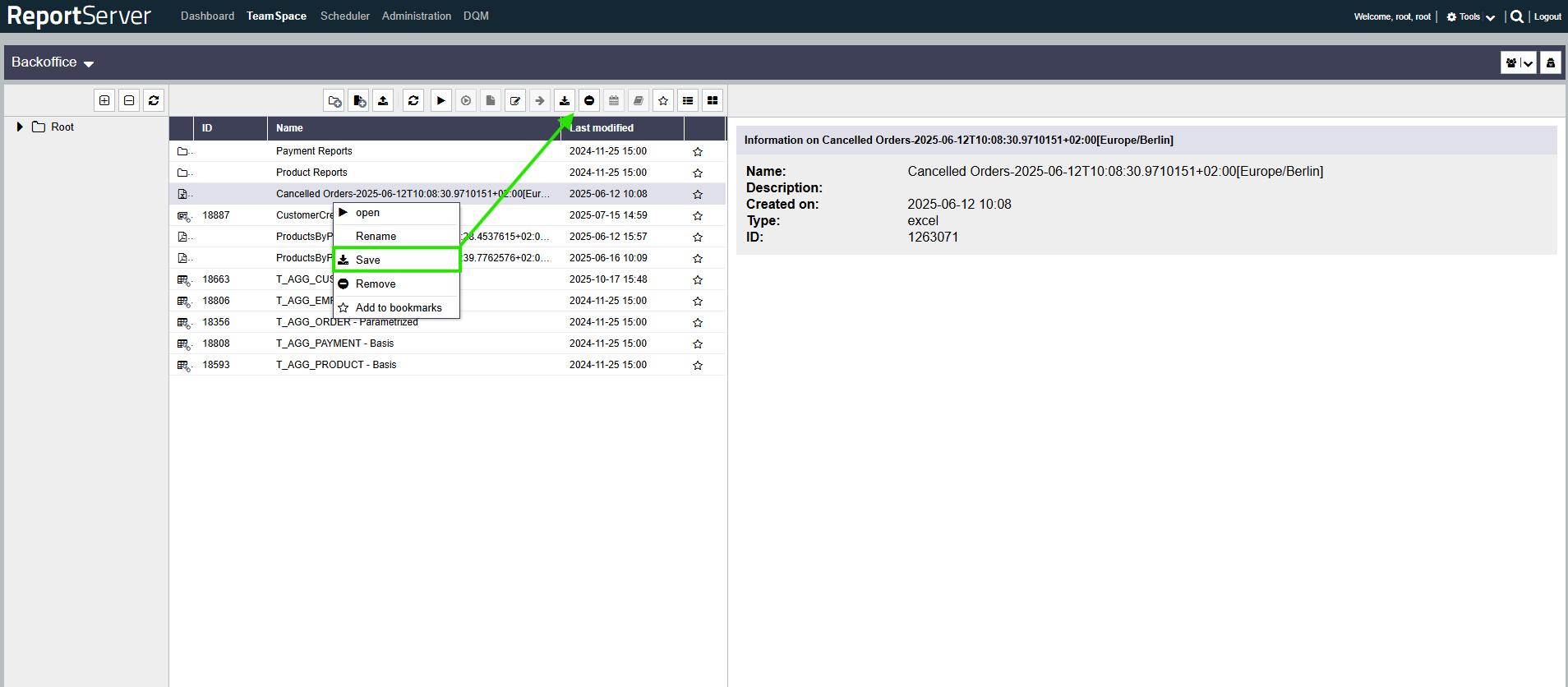
Execute Groovy Scripts via Context Menu
Execute Groovy Scripts via Context Menu
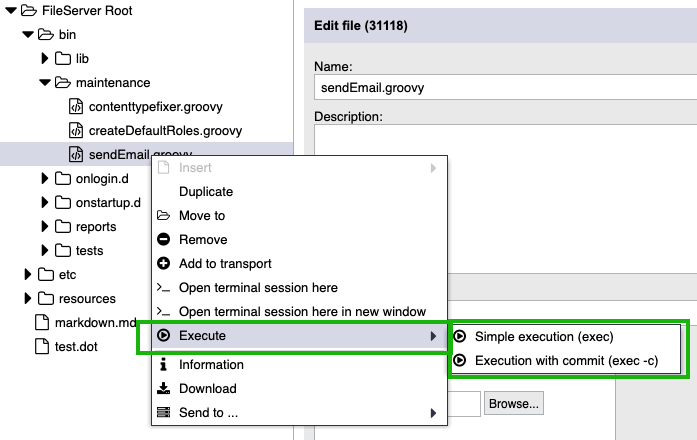
You can now run Groovy scripts directly from the fileserver tree using the context menu, as shown in the
following screenshot. A terminal window opens displaying the results of the script execution.
Simple Execution: Runs the script without saving changes (exec).
Execution with Commit: Runs the script and persists any changes made
(exec -c).
Note:
This menu option is only available for files with content type
text/groovy
and a .groovy file extension.
Allow Redirecting the Browser to a specified URI via Script
The clientExtensionService can now be used to redirect the browser to a specific URI as
demonstrated in the example below:
You may use any valid URI as the redirection target.
          def service = GLOBALS.services['clientExtensionService']
          service.clientRedirect('http://my-domain:8080/ReportServer/reportserver/fileServerAccess?id=367350'))
Bugfix
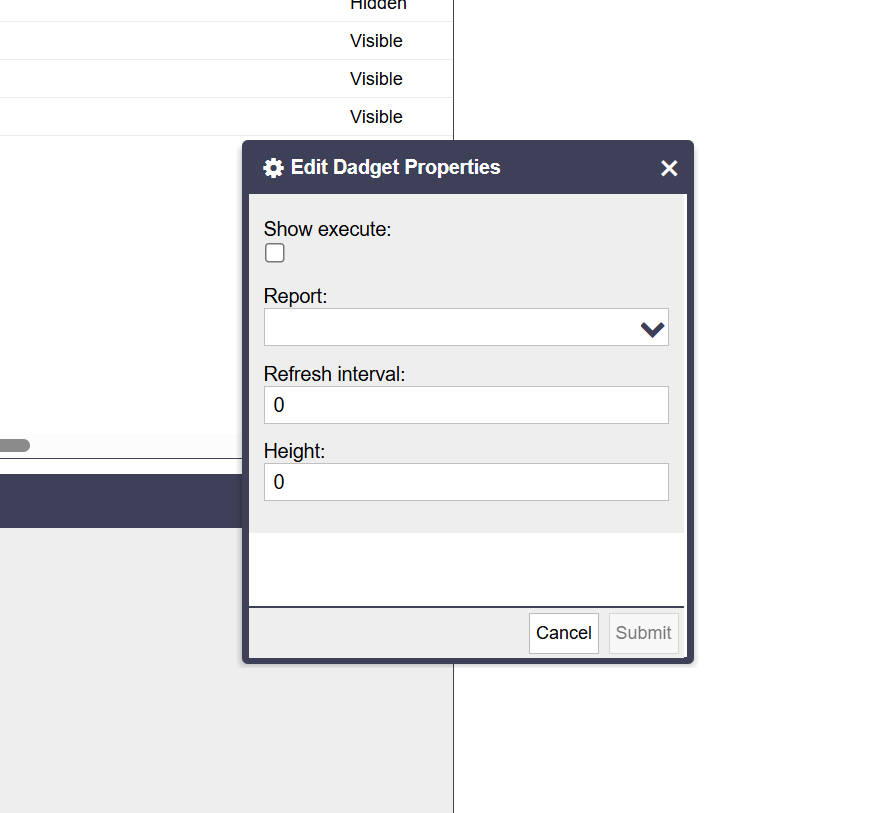
Dashboard Parameter Dadgets
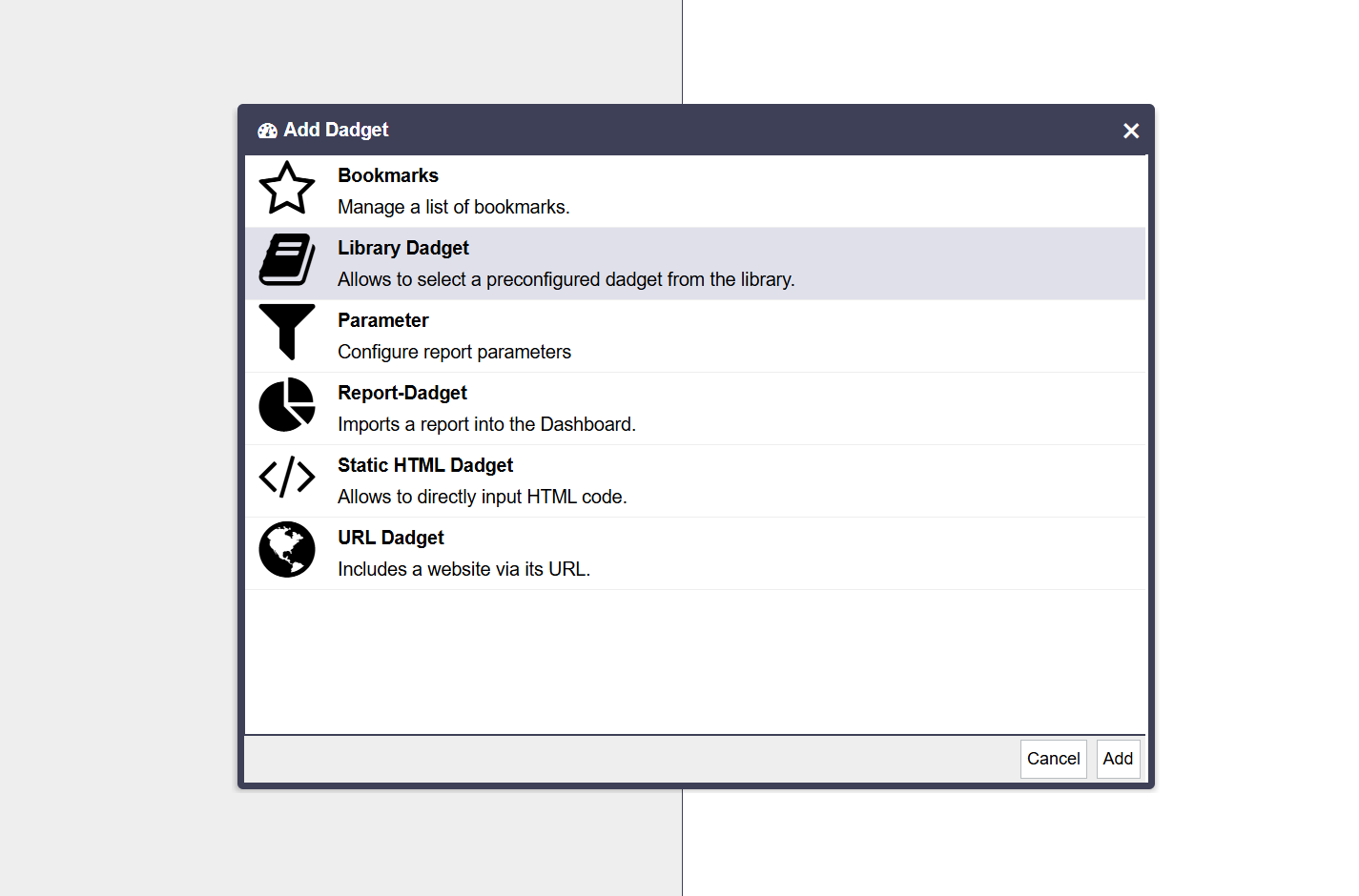
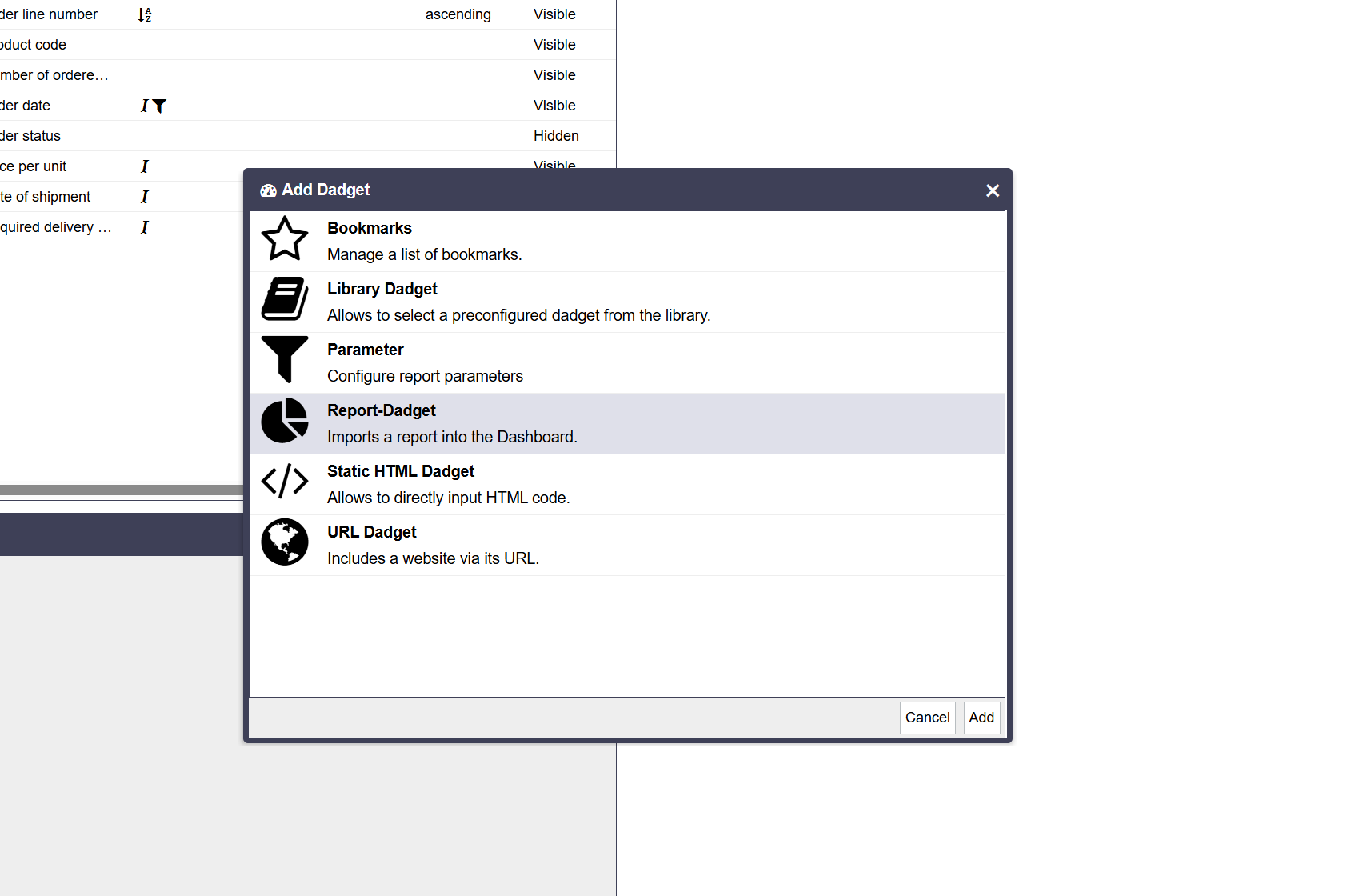
When adding a Parameter gadget to a dashboard, either directly via New Dadget →
Parameter or indirectly via a
Library Dadget that references a Parameter gadget, the created gadget previously showed the
title
“Parameter” and a “Submit” button but no parameter input fields and was effectively
unusable whenever
no reports with parameters were present on the dashboard.
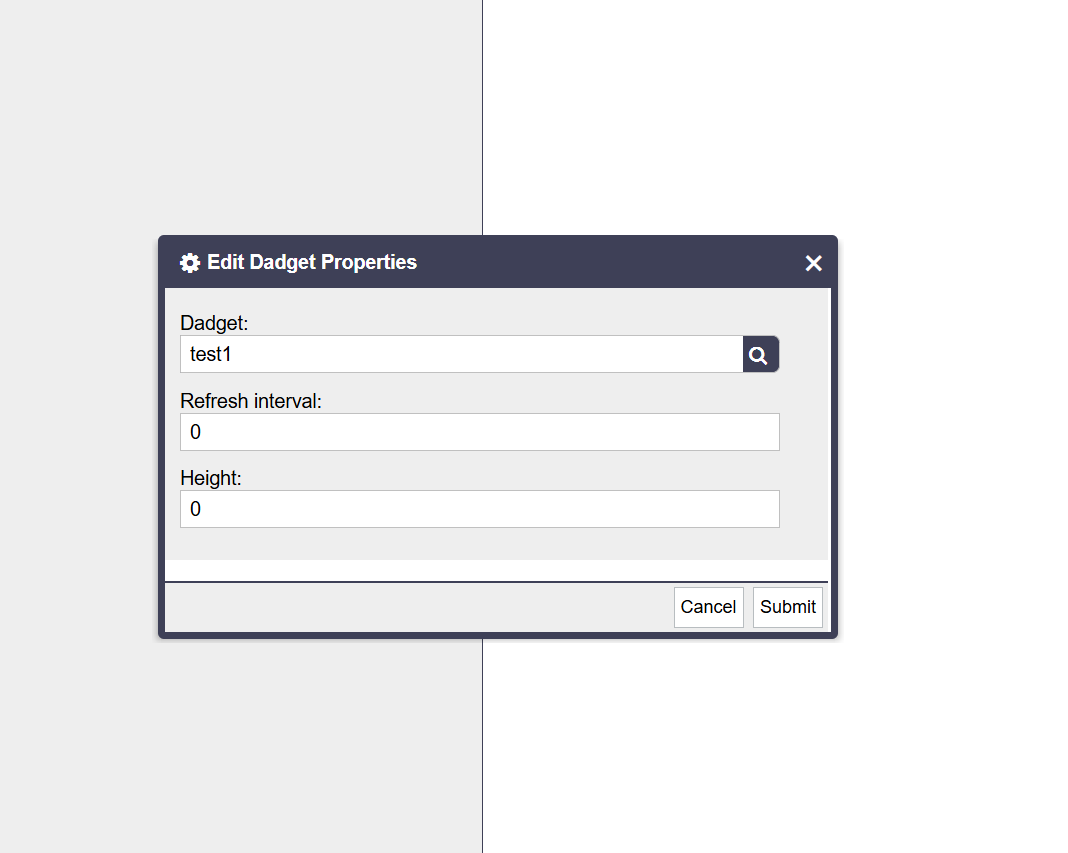
In addition, when a Parameter gadget was added via the dadget library, an empty gadget with a header such as
“unbenannt” / “null” could be created. This gadget showed no content and did not
offer a
usable
configuration dialog. This issue affected only Parameter gadgets that were added through the dadget library.
The parameter gadget now:
Detects when no report parameters are available in the current dashboard context.
Displays a clear informational message in this case.
Disables the submit button when no parameters are available.
This applies both to directly added Parameter gadgets and to Parameter gadgets used via the dadget library.
Dashboard Library Gadgets
When adding a Library Dadget to a dashboard, empty gadgets with the title
“null”
were previously created.
These gadgets:
showed no content,
could not be deleted, and
did not react to clicks on the filter icon.
The same issue has also been fixed for report gadgets.
New Features, Improvements and Bug Fixes for ReportServer RS6.0.0
RS-8698
New Feature
Allow to execute Groovy scripts via context menu
RS-8921
New Feature
Add method
net.datenwerke.rs.grideditor.service.grideditor.definition.db.dsl.DbGridEditorColumnBuilder.setDefaultValue(Integer,
Object) in order to allow to set any sqlType as default in grid report
RS-9003
New Feature
Allow hooker to replace parameter values and types before report execution:
ParameterReplacementHook
RS-9080
New Feature
Allow to redirect to URI from groovy script
RS-9543
New Feature
Integrate OIDC in ReportServer
RS-8982
Improvement
Refactor LDAP service for explicit type definition and usage
RS-9085
Improvement
Allow to overwrite a report variant after reloading browser window
RS-9099
Improvement
Datasource form fields should be wider
RS-9269
Improvement
Upgrade guice to 6.0.0
RS-9270
Improvement
Upgrade guice-assistedinject to 6.0.0
RS-9271
Improvement
Upgrade guice-persist to 6.0.0
RS-9275
Improvement
Add nimbus-jose-jwt-10.4.2.jar dependency
RS-9276
Improvement
Add oauth2-oidc-sdk-11.27.1.jar dependency
RS-9277
Improvement
Add accessors-smart-2.6.0.jar dependency
RS-9278
Improvement
Add asm-9.7.1.jar dependency
RS-9279
Improvement
Add content-type-2.3.jar dependency
RS-9280
Improvement
Add jcip-annotations-1.0-1.jar dependency
RS-9281
Improvement
Add json-smart-2.5.2.jar dependency
RS-9282
Improvement
Add lang-tag-1.7.jar dependency
RS-9510
Bug
Dashboards: Adding a library gadget results in a displayed “null”
field
RS-9517
Bug
Dashboard: Parameter gadget does not display any input fields