Important Fix: You can save the DataSource parameters again
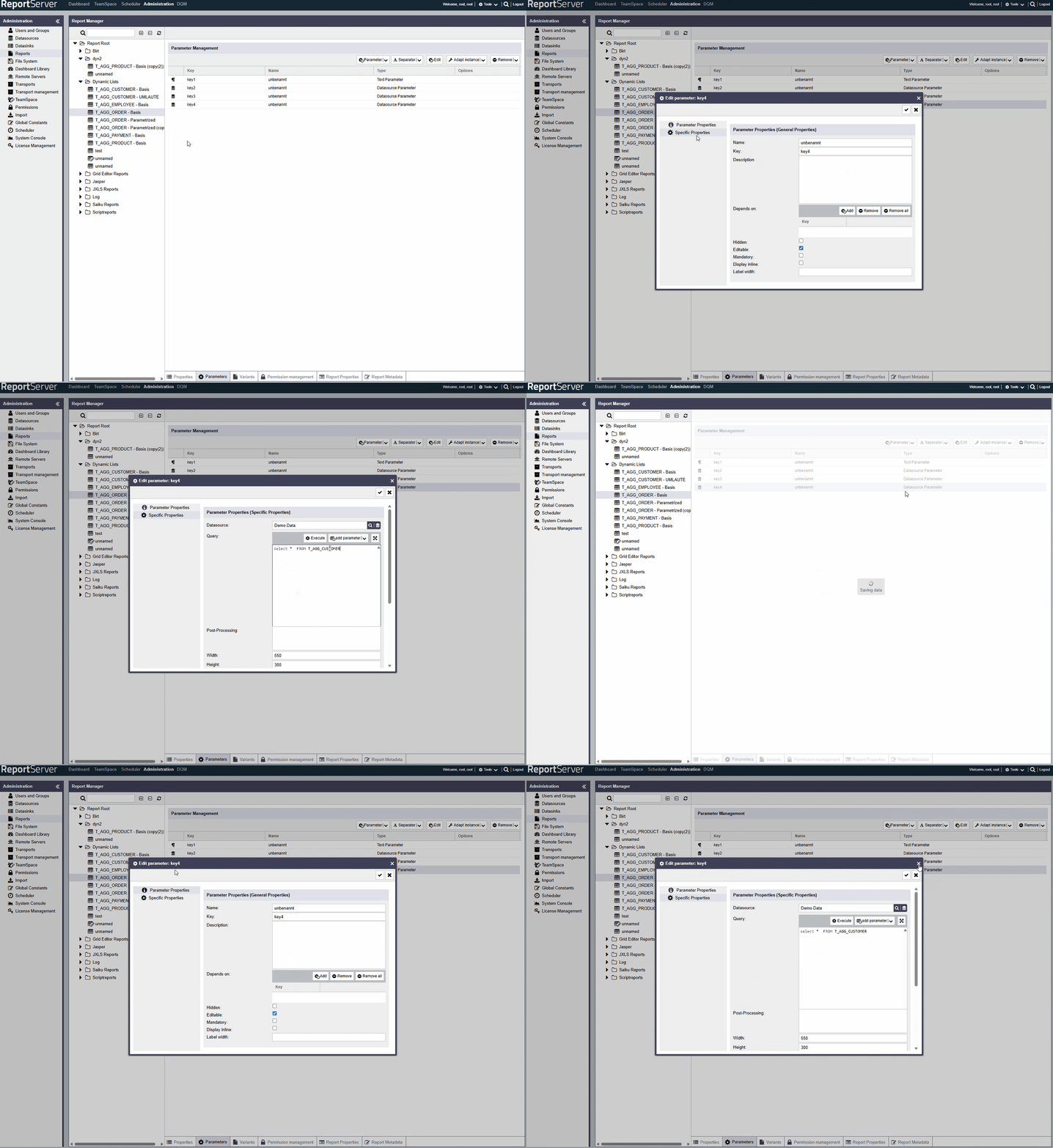
There were issues with the 'Data sources parameters' area, meaning that the data from the query could not be saved. This patch resolves the issue and enables the data to be saved again.
Version: February 2026
These release notes reflect the changes with respect to ReportServer RS6.0.0.
There were issues with the 'Data sources parameters' area, meaning that the data from the query could not be saved. This patch resolves the issue and enables the data to be saved again.
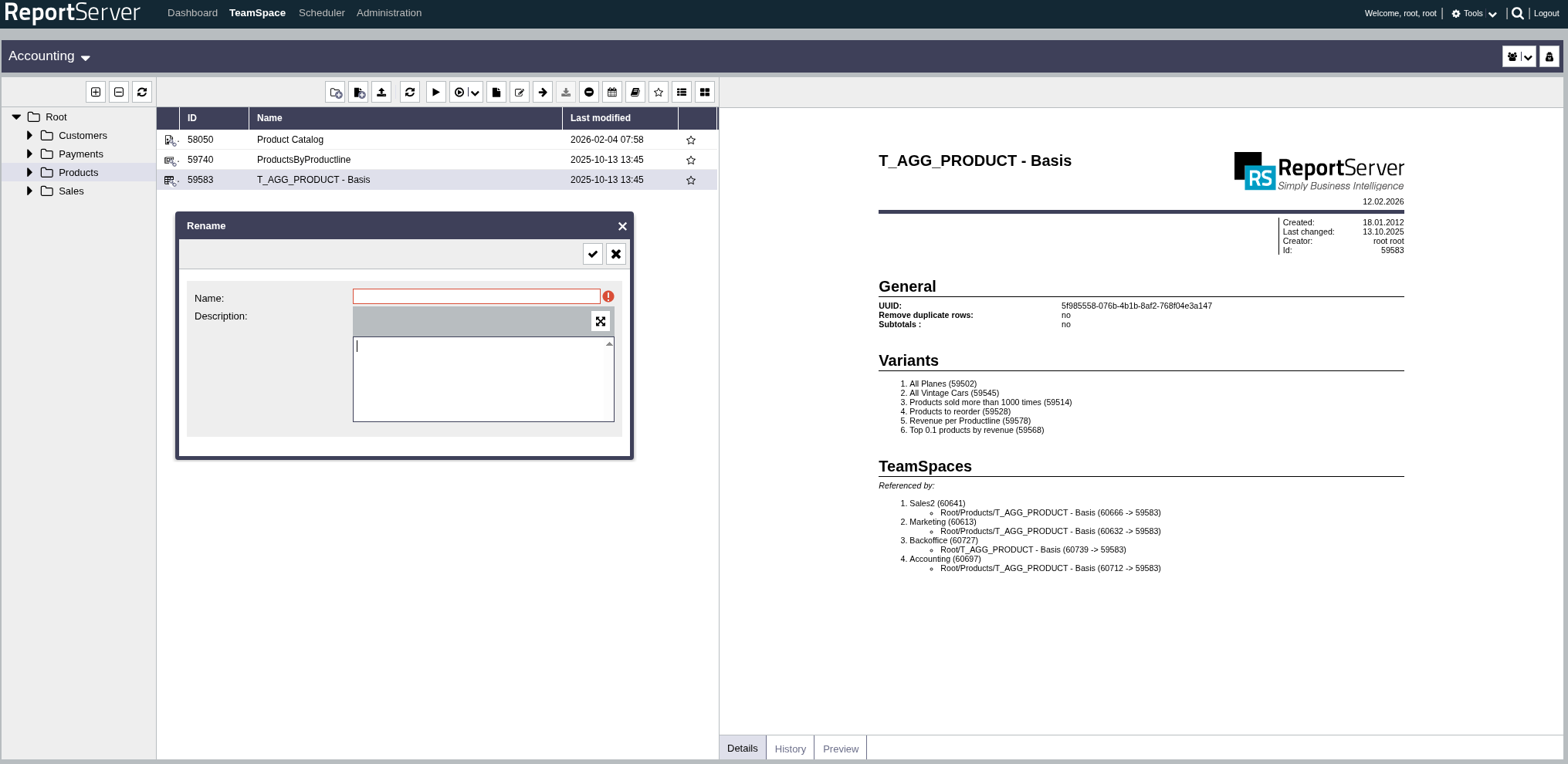
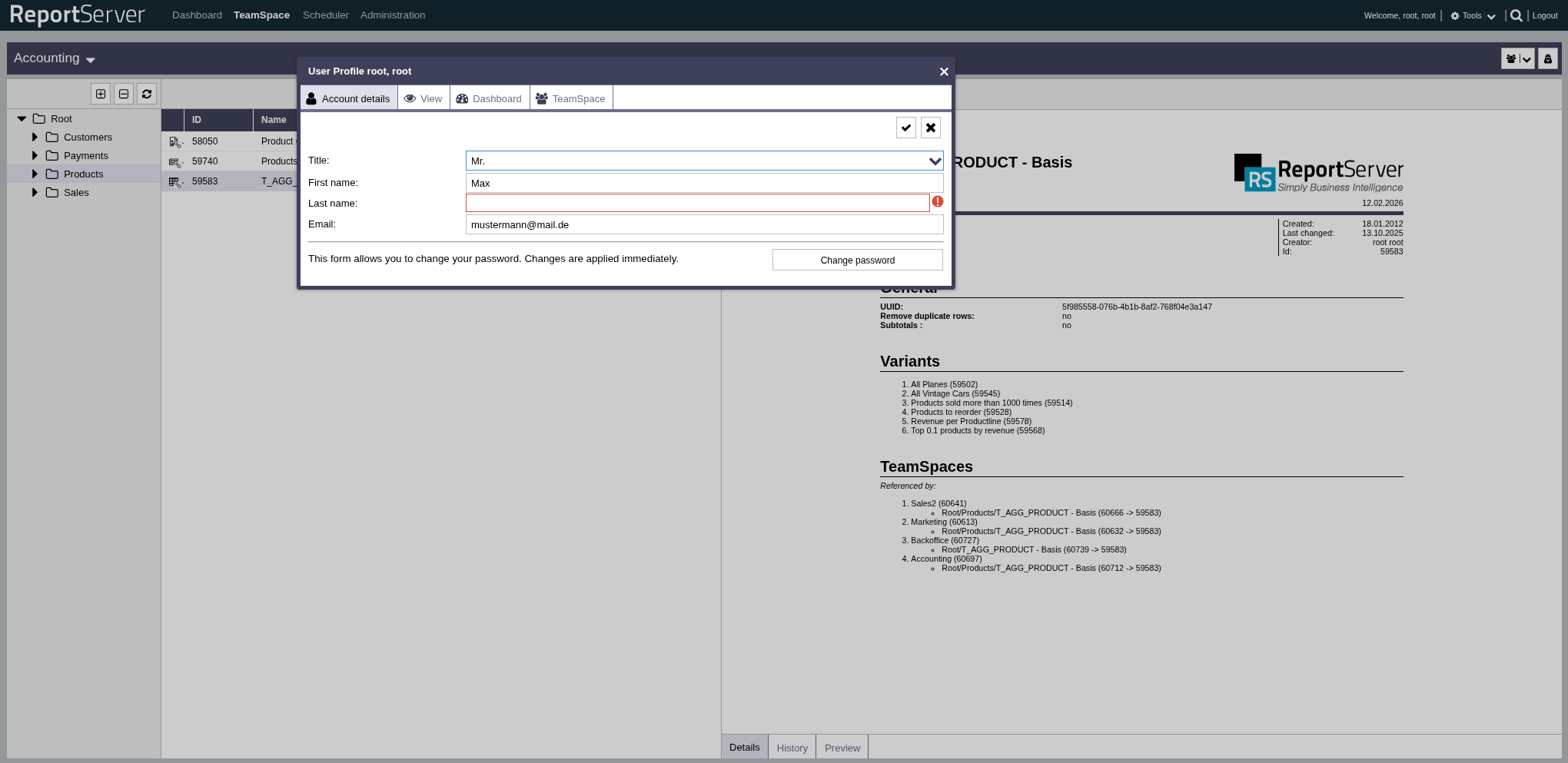
Several UI bugs have also been fixed. These include improved export output and correctly displayed tables. Required fields have been fixed so that they are no longer partially trimmed.
As previously mentioned, the required fields have now been adjusted so that they are no longer truncated.
Examples:
If you export 'Mondrian' or something else and click 'Display' instead of 'Download', you will see a clean view.
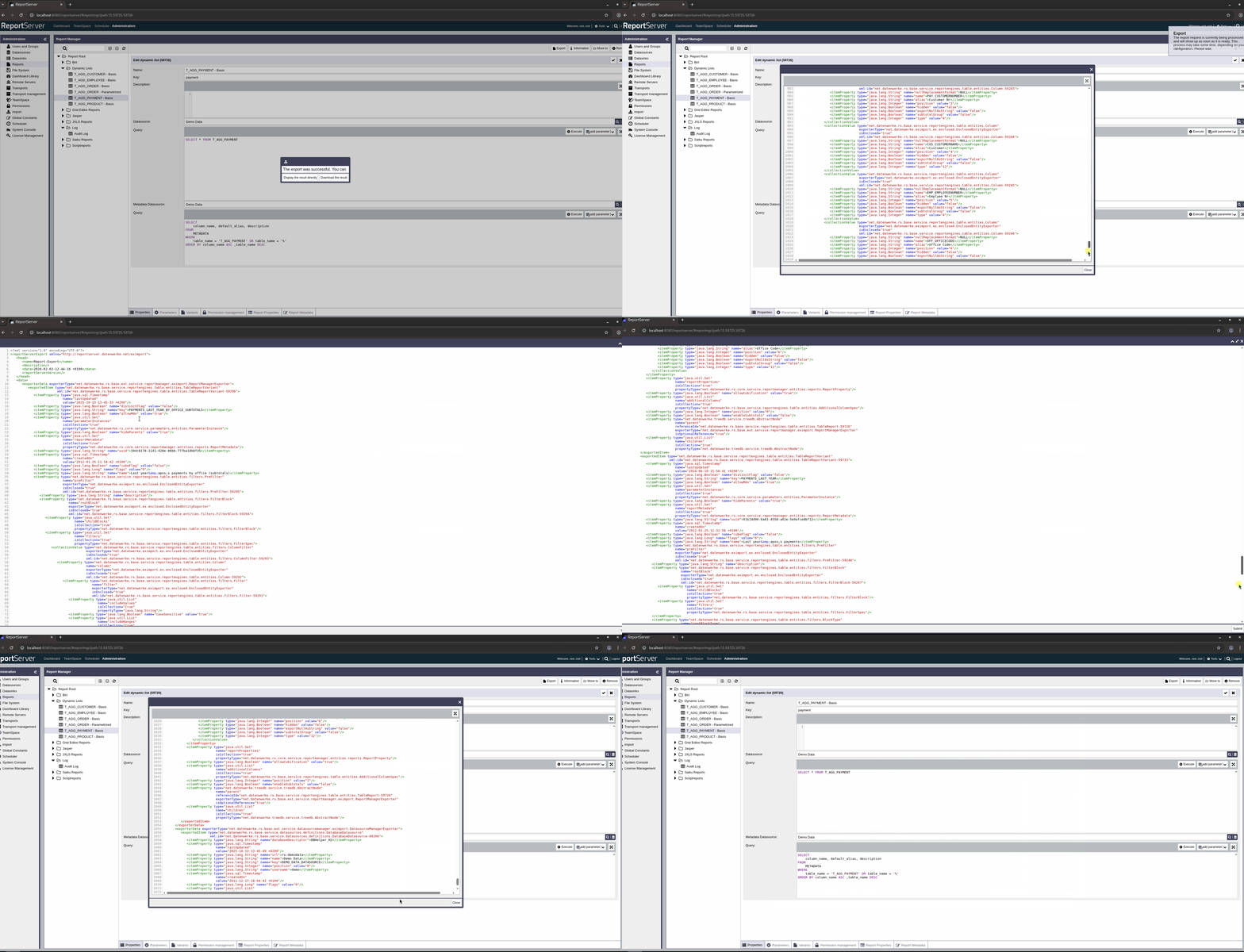
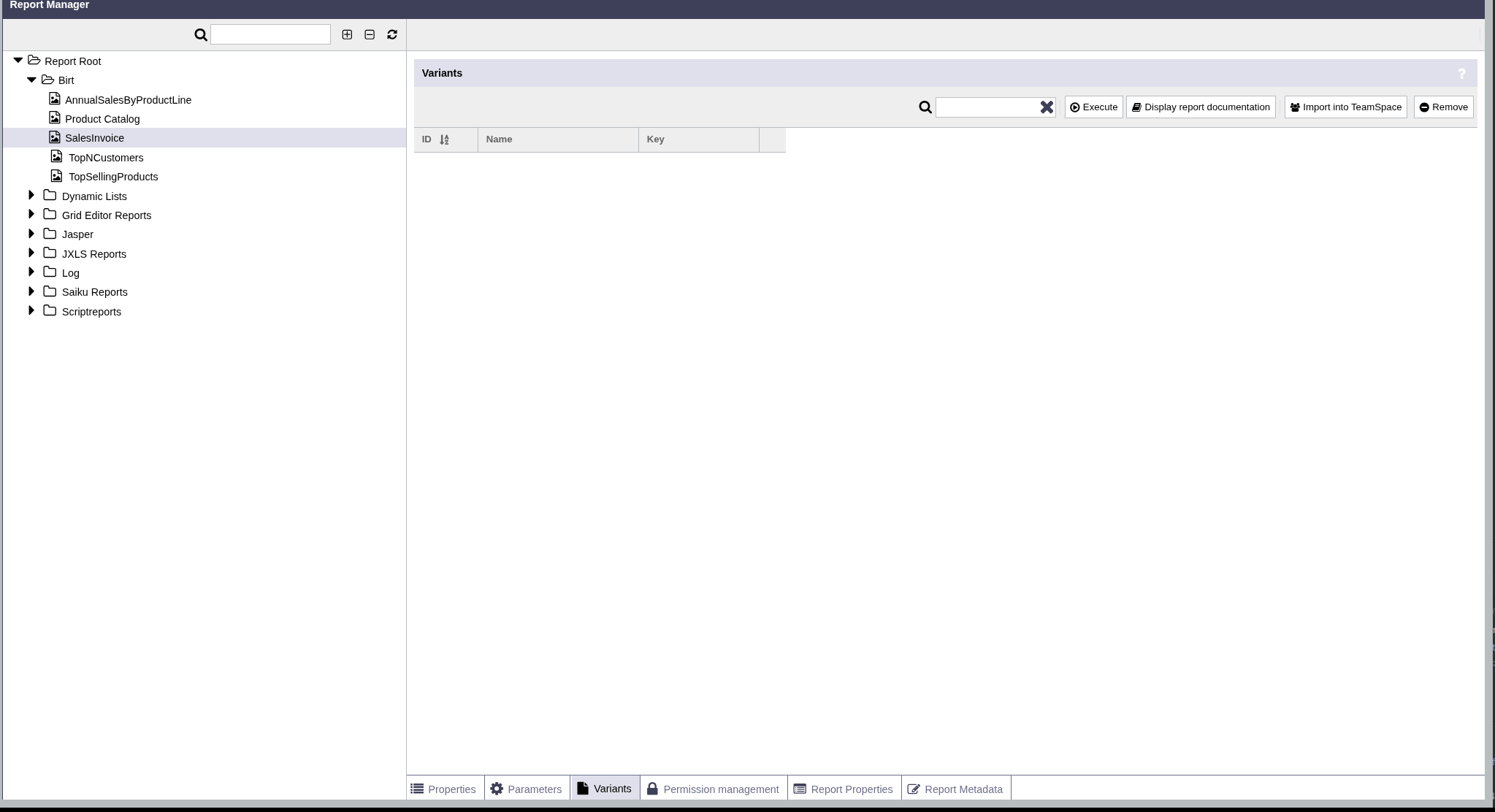
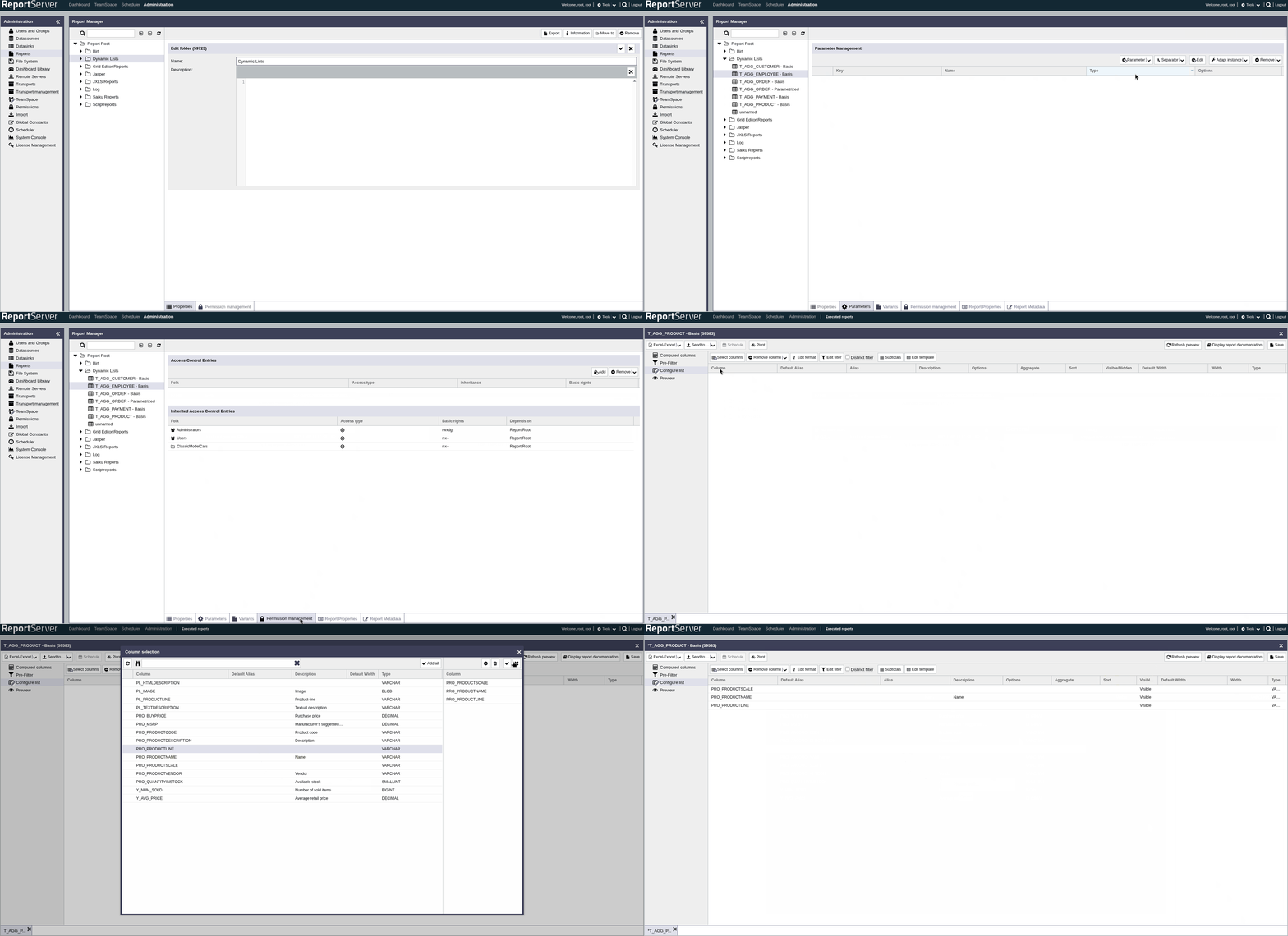
Truncated tables are now displayed correctly, making use of the full range.
example before:
example after:
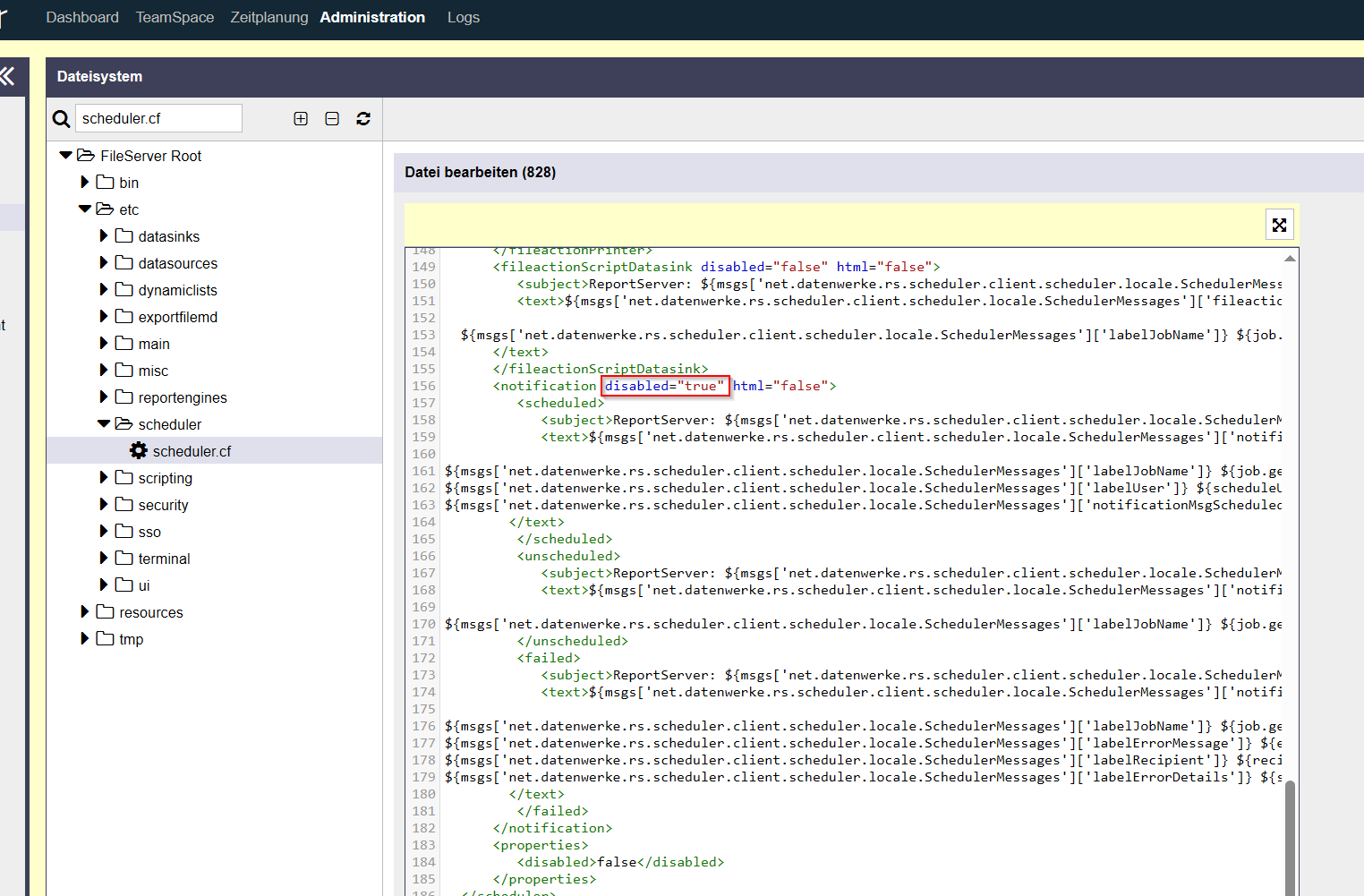
The notification configuration in scheduler.cf was defective and has now been repaired. Duplicate emails will no longer be sent when the configuration is disabled.
The 'Edit Parameters' window used to remain open after saving, but now it closes properly.
| RS-9366 | Bug | Correction of 'required fields' in the UI |
| RS-9382 | Bug | UI-tables are trimmed |
| RS-9406 | Bug | "export cube for Mondrian" windows shows incomplete XML |
| RS-9526 | Bug | The parameter window doesn’t close after saving the parameters |
| RS-9544 | Bug | "Export" windows shows incomplete XML |
| RS-9545 | Bug | Issue with automatic sending of reports via email in ReportServer |
| RS-9553 | Bug | Datasource parameter: datasource query is not saved when clicking “Apply” |