Multi-level cascading parameters did not retain saved values
In certain scenarios, multi-level cascading datasource parameters did not correctly display their previously saved values when editing a report variant.
Specifically, for datasource parameter chains (e.g. Country → Branch → Employee), the lowest-level datasource parameter could appear unselected after reopening the variant, even though a value had been saved. This could lead to unintended report results if the variant was saved again without reselecting the value.
This issue has been resolved. Saved values are now correctly restored for all levels of cascading parameters.
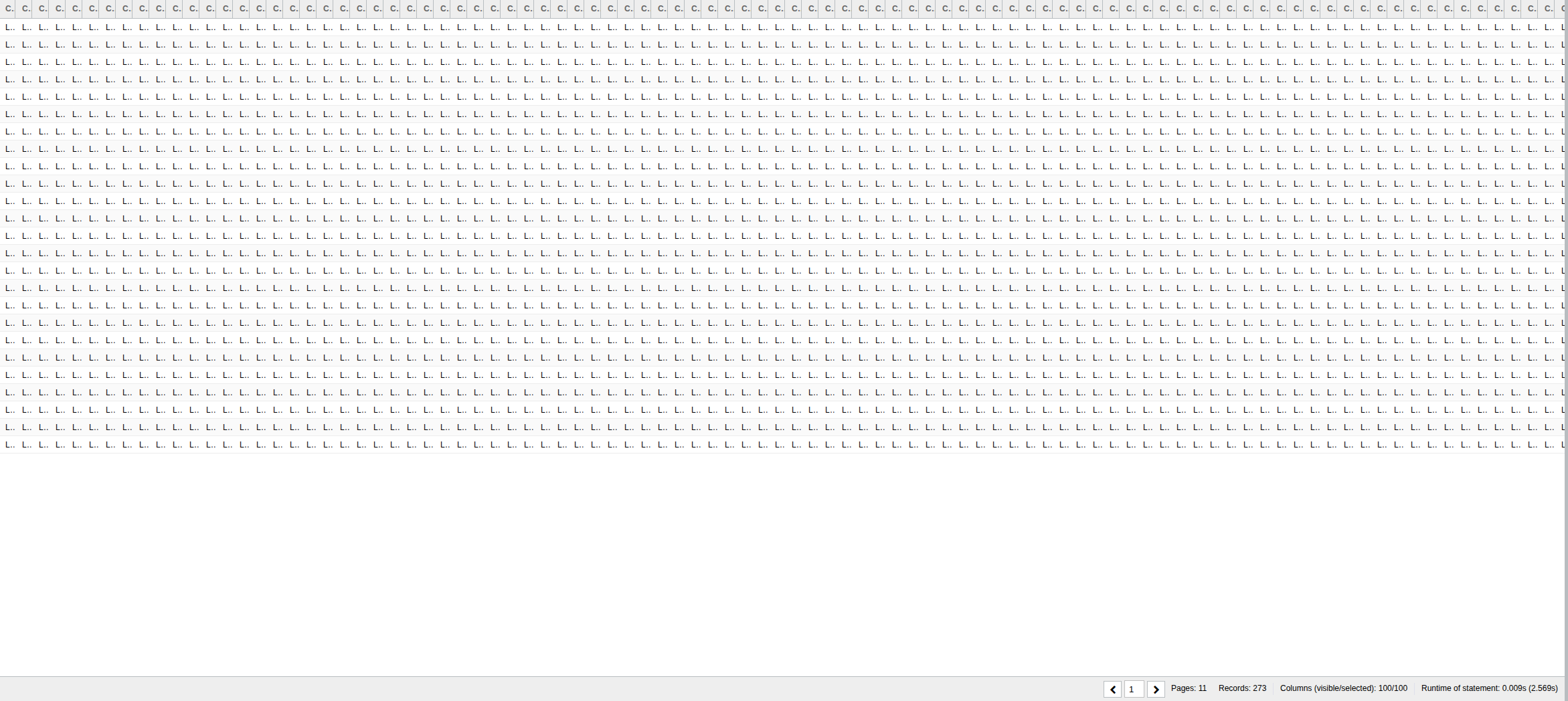
The table display in report view has been fixed: previously, when a large number of columns were displayed, the columns could no longer be displayed properly, were constantly shrinking, and could not be resized.
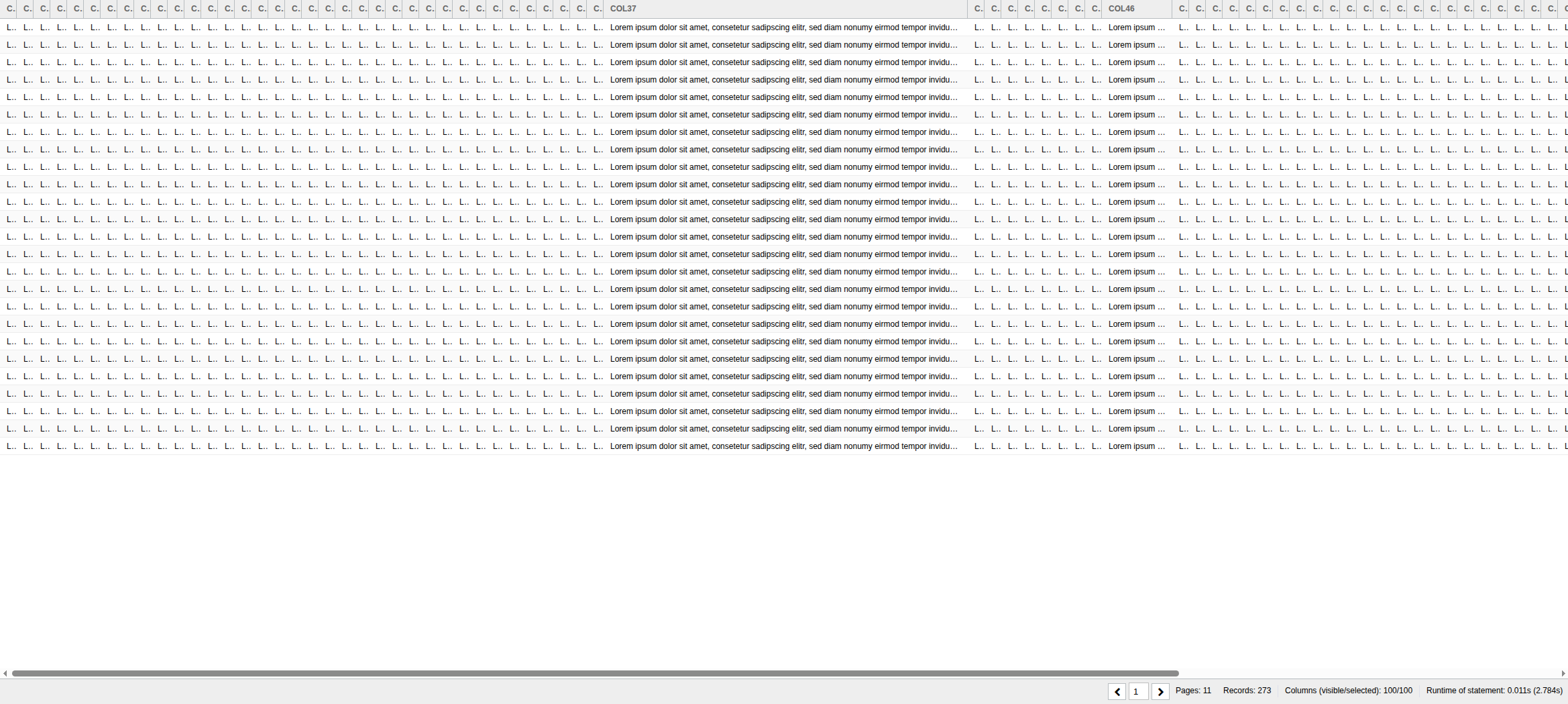
This has now been resolved. Initially, tables are now resized to fit the window, but they can still be dragged apart.
Example - Before:
Example - After:
Ticket: RS-9611
Fix for quick export with unresolved references
An issue was identified where the quick export functionality failed in certain scenarios involving unresolved object references.
This affected:
Dashboards in the Dashboard Library containing TeamSpace report references
Reports containing user variable parameters
In such cases, the export process could throw errors related to unregistered references, for example:
The encountered id has not been registered: net.datenwerke.rs.tsreportarea.service.tsreportarea.entities.TsDiskReportReference
The encountered id has not been registered: net.datenwerke.rs.uservariables.service.variabletypes.string.StringUserVariableDefinition
As a result, affected dashboards and reports could not be exported using the quick export option.
This issue has been resolved. Quick export now correctly handles these references.
Tickets: RS-9580, RS-9585
Packaging fix for Liquibase changelog duplication
In previous versions, the Liquibase changelog file (db/db.changelog-master.xml) was included twice in the classpath of the compiled ReportServer distribution:
During startup, Liquibase scans the classpath for changelog files. The duplicate presence of the same file caused an exception and prevented ReportServer from starting.
This issue has been resolved by adjusting the build process to ensure that the changelog is included only once, within reportserver.jar.
Ticket: RS-9576
Summary Release Notes
RS-9558
Bug
Multi-level cascading parameters did not retain saved values
RS-9576
Bug
Packaging fix for Liquibase changelog duplication
RS-9580
Bug
Fix for quick export in Dashboard Library with TeamSpace references
RS-9585
Bug
Fix for quick export with user variable parameters